Omarchy on a 2012 MacBook Air: Installed in 6 Minutes, Now It Is My Everyday Portable Machine
A 13-inch MacBook Air from Mid 2012, i5-3427U, HD Graphics 4000, 8 GB of RAM, a 1440x900 non-Retina screen. I put Omarchy 4.0.1 on it. The installer finished in 6 minutes and 0 seconds. After the reboot I got Hyprland 0.56.2, 957 packages, and 1.99 GiB of memory used while idle. This page is what actually happened during the install and how it feels to use, not a spec comparison. The short version is that the machine is now a real portable work machine. I record screencasts on it, I write Rails on it, and I run AI agents on it. I also used the Claude skill that ships with Omarchy to add the two, three, and four finger trackpad gestures and to wire up F1 to F12 for screen brightness, keyboard backlight, and volume. That part surprised me the most because those two things used to be the worst part of putting Linux on a Mac. There is also a side story. The Omarchy install menu has a Windows on Docker option. I clicked it without knowing what it was, it really installed a full Windows 11 through Docker, it took over an hour, and it did work, but the CPU went past 200 percent on a two core machine so I removed it. At the end I list the limits that come from the age of the hardware, such as the 1440x900 screen when the Omarchy defaults assume a high resolution display.
I had a MacBook Air sitting at home that I had not opened in a long time. 13-inch, Mid 2012. Throwing it away felt wasteful, keeping it meant it just sat there, so I put Omarchy on it to see what would happen.
It went much better than I expected. It is now the machine I carry, and I use it for real work.
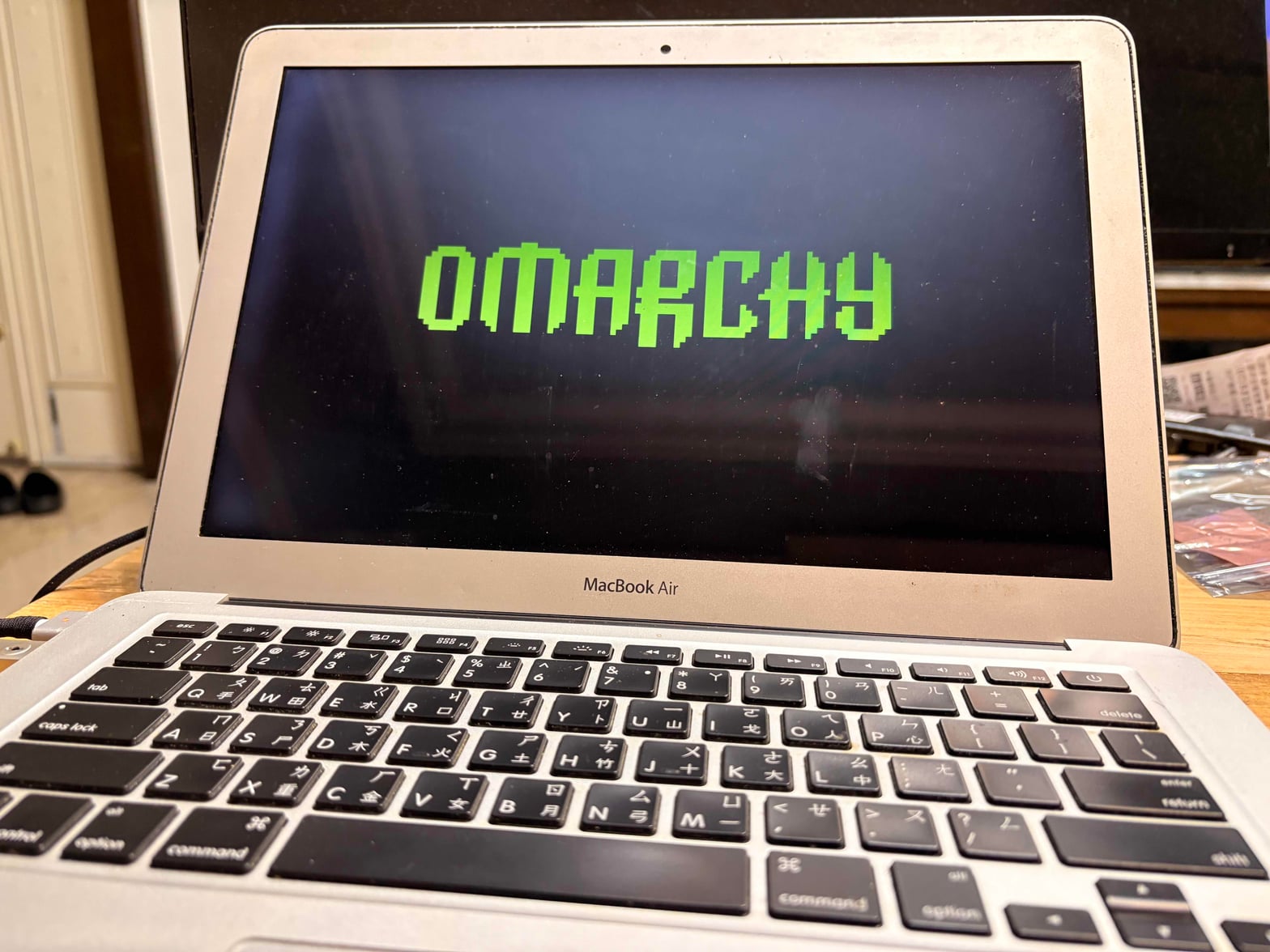
How old this machine is
This is what the system reported after the install:
- MacBook Air (13-inch, Mid 2012)
- Intel Core i5-3427U, 2 cores and 4 threads, up to 2.80 GHz
- Intel HD Graphics 4000
- 8 GB of memory
- 1440x900 display, 13 inch, 60 Hz, not Retina
- 109.77 GiB disk
That is a 2012 spec. Most machines from that year are in a drawer now because new versions of macOS stopped supporting them. The graphics chip is HD 4000, there is no discrete GPU, and the memory is soldered so I cannot add more.
I want to be clear about this up front, because everything below about "it runs fine" and "it does not feel slow" happened on this machine.
The install took 6 minutes and 0 seconds
I booted the official ISO and just kept pressing next. Nothing in the middle needed a decision from me.
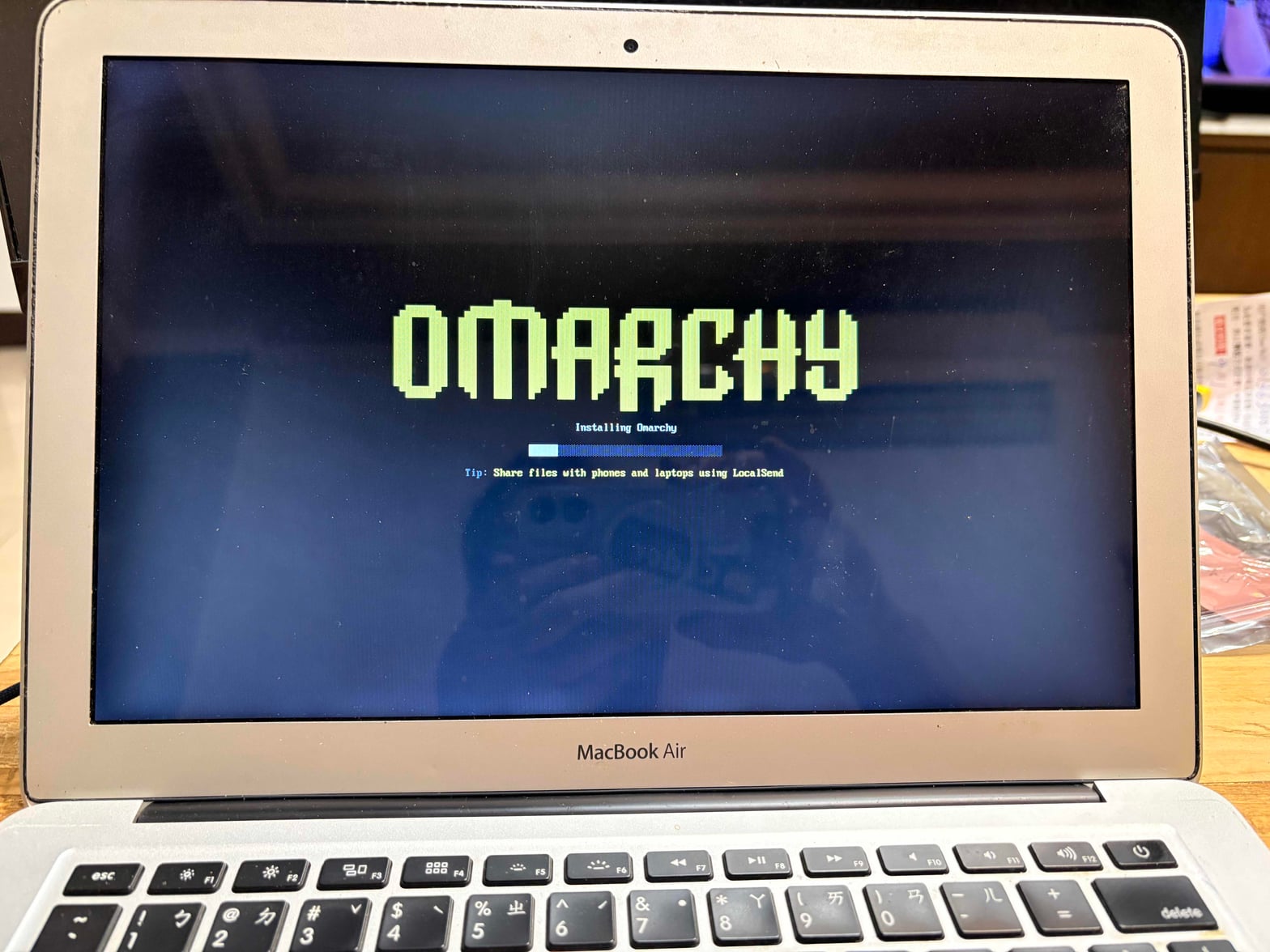
Under the progress bar it shows small tips. The one I saw was about LocalSend, which you can use to move files between the machine and your phone. I liked that. While you wait you learn what is already in the system.
When it finished it printed the time on screen:
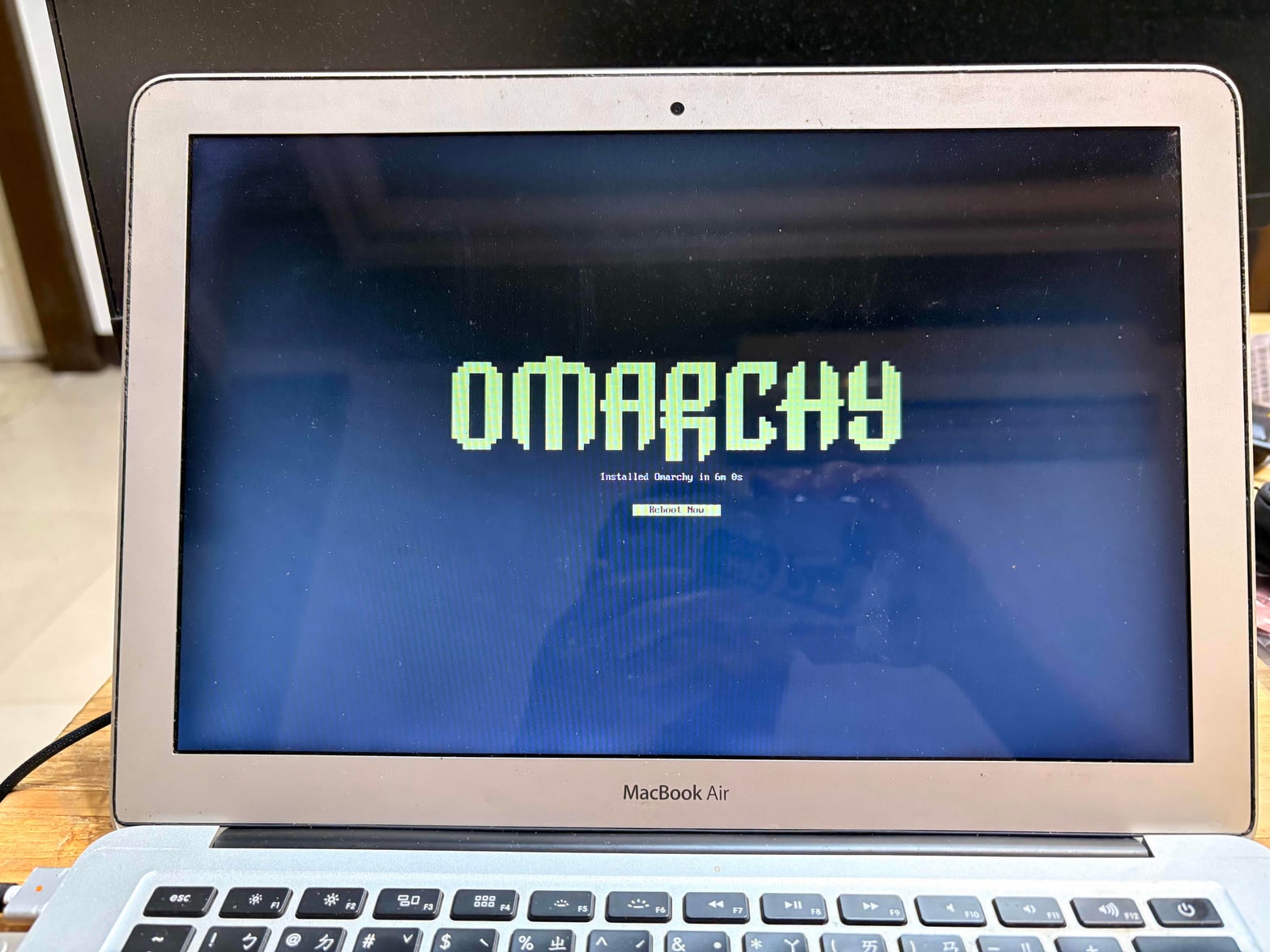
Installed Omarchy in 6m 0s.
Six minutes, on a 2012 machine with its original SSD. I had prepared myself for half an hour or more, because installing Linux on old machines used to mean a long wait just to download packages.
After Reboot Now it went straight to the desktop. It did not get stuck on the graphics, it did not get stuck on the network card, and it did not ask me anything.
What it looks like after the install
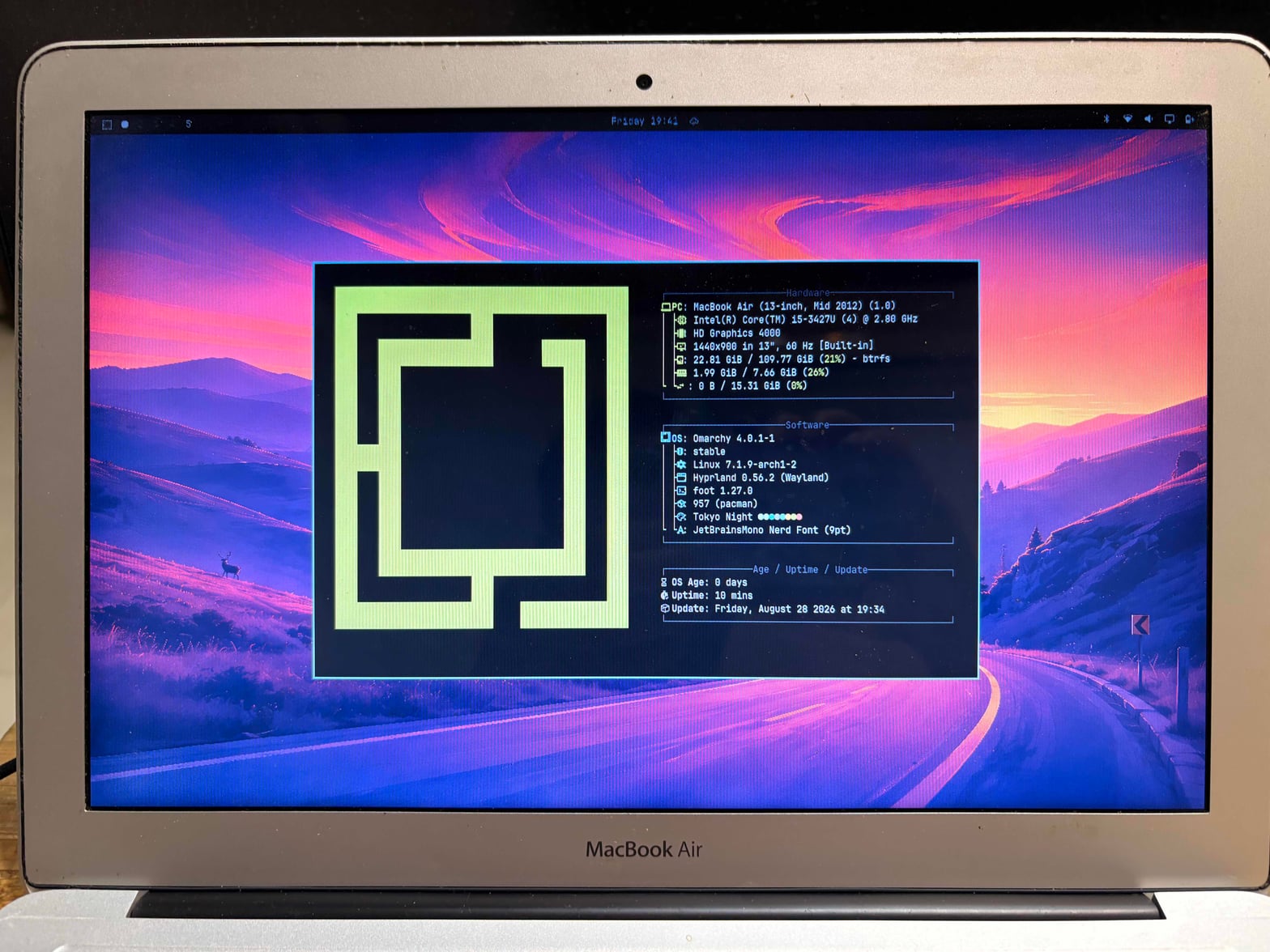
The state after boot:
- Omarchy 4.0.1-1, stable channel
- Linux 7.1.9-arch1-2
- Hyprland 0.56.2, running on Wayland
- foot 1.27.0 as the terminal
- 957 packages in the system
- Tokyo Night theme, JetBrainsMono Nerd Font at 9pt
Two lines are worth a closer look.
Memory 1.99 GiB out of 7.66 GiB. The desktop is up and a terminal is open, and an 8 GB machine is using less than 2 GB. The other 6 GB is mine to work with.
Disk 22.81 GiB out of 109.77 GiB. The whole system plus what I installed takes 22 GB. The file system is btrfs, so I can do snapshots later if I want.
957 packages sounds like a lot, but that is the design of Omarchy. It gives you everything a working desktop needs in one go instead of giving you an empty shell and telling you to fill it in.
What I actually do on it
This is not a backup machine for reading web pages. I do real work on it.
Recording tutorial videos. This one deserves its own line. Screen recording on Wayland has been a pain point for a long time and many people spend hours on it. Omarchy binds screen recording to ALT + PRINT. You press it and it records. You do not have to build a tool chain yourself.
Writing Rails. Terminal, editor, browser, and I switch between them constantly. A tiling window manager helps a lot with this kind of work because you never have to go find a window or drag it around.
Running AI agents. Also heavy terminal use. I open several workspaces, each running its own thing, and I switch over to take a look.
These three things have something in common. None of them needs the GPU and none of them needs much memory. What they need is the ability to jump between a few windows quickly. That is exactly what Hyprland is good at, and it is why a 2012 machine does not feel slow.
The other way round, if I wanted to edit video or run a local model, this machine would be out. That is not an Omarchy problem, that is an HD 4000 problem.
Using the built-in Claude to bring back the trackpad and F1 to F12
Omarchy ships with a Claude skill, so I let it change the settings itself.
I asked it to add the two finger, three finger, and four finger trackpad gestures for the MacBook Air. The result was better than I expected and it now feels close to native macOS. The trackpad has always been one of Apple's strong points on this machine. The hardware was there the whole time. Nobody had wired it up.
Then the F1 to F12 row. Screen brightness, keyboard backlight, and volume were all set up in one pass. I did not have to try several rounds.
These two things used to be the most annoying part of putting Linux on a Mac. Trackpad gestures and function keys meant reading docs, finding the right key codes, editing config files, rebooting, and trying again. An afternoon gone. Now I say what behaviour I want and it writes the config.
This also changed how I think about "Omarchy has AI tools built in". I thought that was just for writing code. In practice it can also take care of the system's own settings, which matters more on an old machine because there is more to adjust.
That night my own note to myself was that this machine had come back almost perfect.
A side story: Windows on Docker in the install menu
After the install I was poking around the Omarchy install menu and found an option called Windows on Docker. I did not know what it was, so I clicked it.
It really installed a full Windows 11 through Docker. I was not ready for that and it did surprise me.
It took over an hour to finish. And it worked. It booted to the desktop, Edge opened, the network was up, and Windows Update said it was current. It just was not activated.
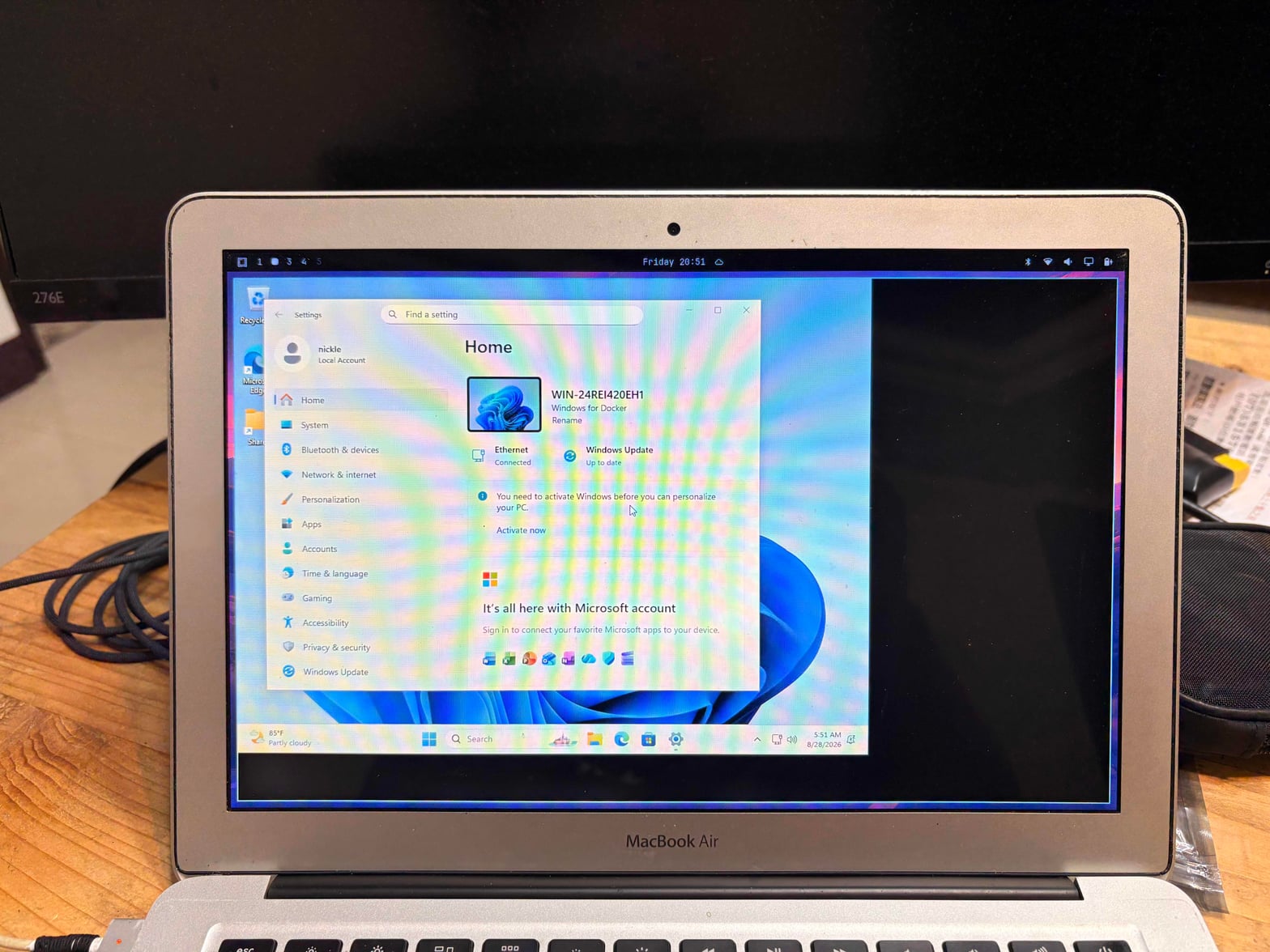
The computer name on screen is WIN-24REI420EH1 and the line under it says Windows for Docker. It runs inside a Hyprland window, and the workspace bar at the top is still Omarchy.
The problem is performance. The CPU went straight past 200 percent. This machine only has 2 cores, so 200 percent means both are full and nothing else gets done. I looked at it for a while and then removed it.
It is still worth writing down. It showed me that the Omarchy install menu has more in it than I thought, and that what it does is not hand you a link and tell you to go figure it out. It installs the thing until it boots and works. Whether a 2012 machine can carry it is a separate question.
If you have a newer machine this option might actually be useful. On this one it was a fun experiment that could not stay.
The limits that come with a fourteen year old machine
A few things come from the age of the machine, not from the system, but they will affect how it feels:
The screen is only 1440x900. The Omarchy defaults are tuned for high resolution displays and the font is set to 9pt. That looks good on a Retina screen and small on 1440x900. You adjust it once and then it is fine.
The battery and the screen are old. The CPU and the memory hold up. That does not mean the battery does. I mostly use this machine plugged in, and when I take it out I go to places where I can find a socket. A new system brings back performance. It does not bring back a battery.
The Wi-Fi is Broadcom. That has always been a source of trouble on Linux, but the installer handled it this time and I did not touch a single setting.
No Touch ID, no fingerprint, none of the macOS only features. This machine is old enough that it never had them, so I am not losing anything.
Was it worth it
A machine I was about to throw away turned into a machine that can write code, record video, and run agents, in 6 minutes. The trackpad and the function keys took a bit more time with Claude filling them in. Now it is not far off from what that Mac used to be.
To me the point is not that Omarchy is amazing. The point is that the performance in these machines has been there all along. What stopped them was the operating system dropping support. Give them a system that still supports them and they come back.
If you have a Mac from this generation sitting somewhere, this is the best value thing I can think of doing with it.