

Pull to refresh
 2026 iThome Ironman
Series 31 chapters

2026 iThome Ironman

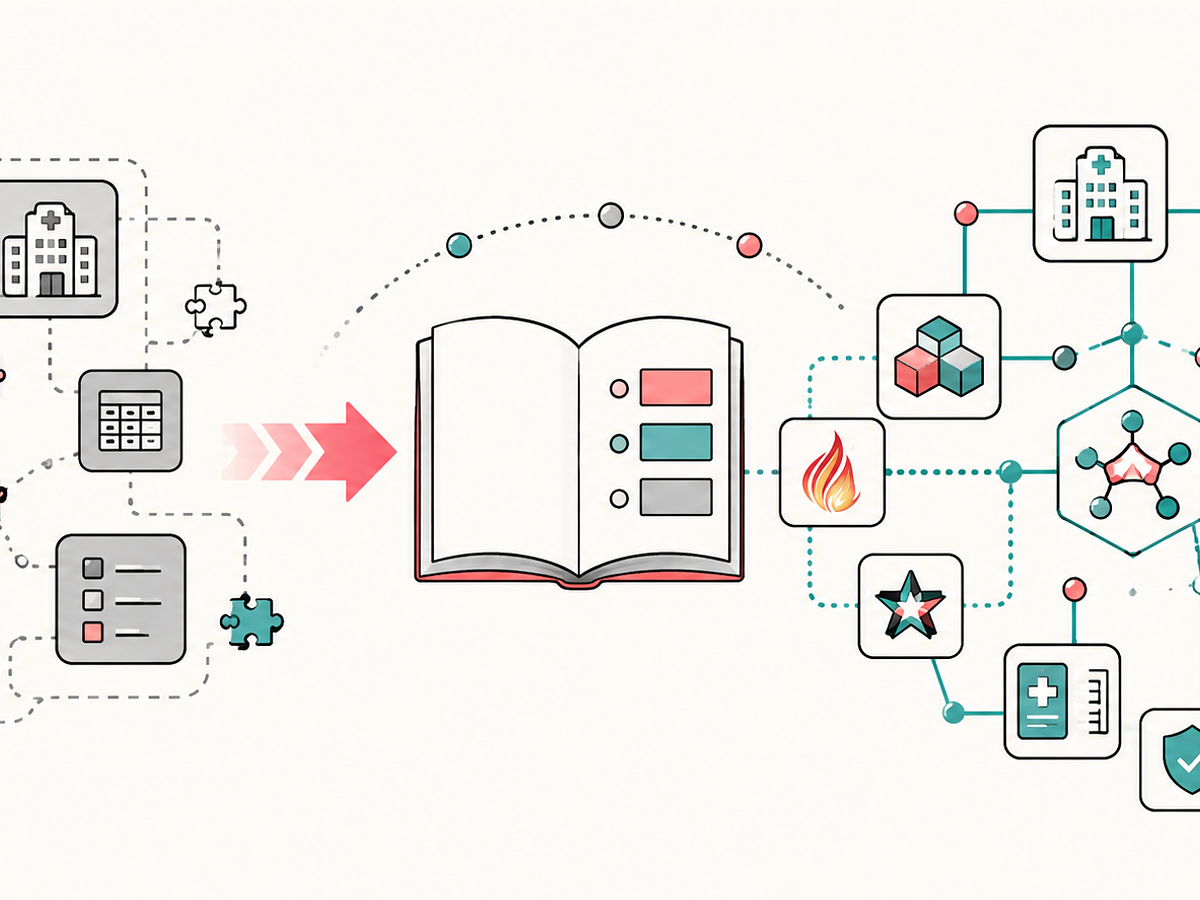
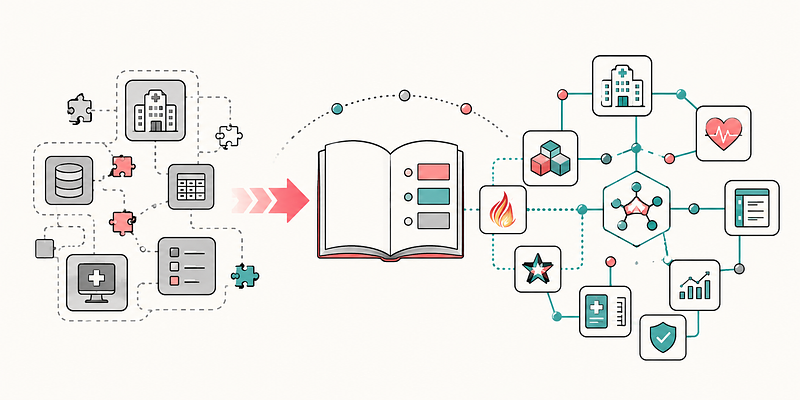
The story begins with a major policy shift at the Ministry of Health and Welfare’s Department of Information Management. After Director-General Chien-Chang Lee took office, the department began promoting FHIR and SMART on FHIR to address the siloed nature of hospital information systems, and even invited one of the founders of SMART to Taiwan. FHIR’s support for multiple programming languages and its Docker-friendly ecosystem aligned perfectly with the author’s preferred technology stack. When the inaugural Taiwan Top 50 SMART Apps program—dubbed the healthcare sector’s equivalent of Taiwan’s 0050 ETF—was launched, the author submitted an application as an opportunity to put the idea to the test. At the outset, this series defines its scope as “SMART on FHIR application development in the broader sense.” It covers not only the core SMART App Launch standard, but also the complete end-to-end development journey of building real-world healthcare applications.

Start reading

Latest Posts

View all posts
4 posts Browse all tags
 2026 iThome Ironman
Series

2026 iThome Ironman

1 chapter 84
Watch Notes
Series

Watch Notes

1 chapter 60

I Work at a Military Hospital, and I Just Claimed Three of AI's Hardest Problems

64 0
SMART on FHIR 火線超人(FHIRLineBot)
Series

SMART on FHIR 火線超人(FHIRLineBot)

1 chapter 109

Latest Wiki

View all wiki
Herdr: What Multiple Machines and Multiple Agents Actually Look Like on Screen, and the Five Places I Could Put It

Herdr: What Multiple Machines and Multiple Agents Actually Look Like on Screen, and the Five Places I Could Put It

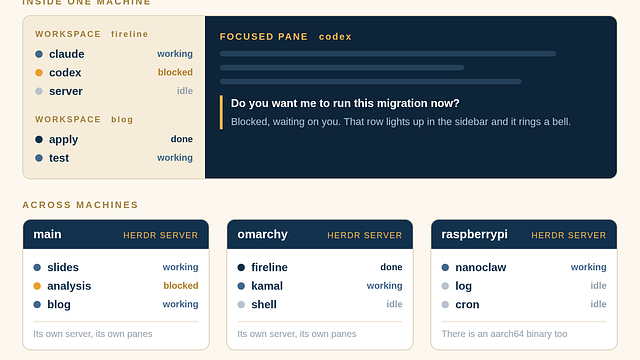
In Lex Fridman #501 DHH says he replaced tmux with Herdr. The reason was not that it looks nicer. It was that he had started running agents on four or five machines, and tmux has no idea what is happening inside each pane. This page covers Herdr properly. It works out whether each pane is running, blocked waiting on you, done, or idle, and it marks that state in the sidebar. The part people get wrong is how multiple machines are displayed, so that gets its own section. The answer is that every machine runs its own server, there is no single combined view of all three, and going across machines is an SSH thin client that connects to one machine at a time. DHH's setup uses GL.iNet Comet KVMs plus Tailscale to turn machines scattered across Malibu and Copenhagen into one local network, four to five machines, about three agents each, roughly sixteen threads. The second half is my own assessment. Herdr happens to fill the one empty cell in my harness table, which is observability, and the five places I could put it are a two pane setup with Claude Code writing and Codex reviewing, one workspace per project for three projects, SSH reattach to NanoClaw on the Raspberry Pi, letting an agent use the socket API to wait for another agent to get blocked, and the old Omarchy machine at the hospital. It ends with three reasons not to rush.

herdr tmux terminal-multiplexer
47 views

Running Several Projects at Once on Omarchy: Two Layers, Workspaces for Where I Am, Herdr for Who Is Waiting on Me

I usually have several things open at once. A slide deck I am editing, a problem I am looking into, and something unfinished on the Rails blog. This page is how I fit that into Omarchy. One thing has to be said first. All three of those are done with Claude. The action is the same every time, I open a Claude, give it the context, wait, and review what comes back. So all three projects belong in Herdr, not just the coding one. The real difference is not the tool, it is whether I have to be there. Slides are short rounds and I look at almost every one. Analysis needs me at the start to feed context and can run on its own after that. Development I can hand off and walk away. The core split is that Hyprland workspaces answer which project I am in, and Herdr answers who inside that project is running and who is blocked on me. My layout is workspace 1 for interruptions, 2 to 4 one project each with no distinction between slides, analysis, or code, 5 as a shared material desk, 9 for long running jobs, and 6 to 8 deliberately empty. Then six keys that actually save time, and two keys that hurt. The last section is honest about the goal. None of this lets me do more at once. What it does is cut the switching cost and stop me from missing the pane that has been waiting on me.

omarchy hyprland workspace
53 views
Omarchy on a 2012 MacBook Air: Installed in 6 Minutes, Now It Is My Everyday Portable Machine

Omarchy on a 2012 MacBook Air: Installed in 6 Minutes, Now It Is My Everyday Portable Machine

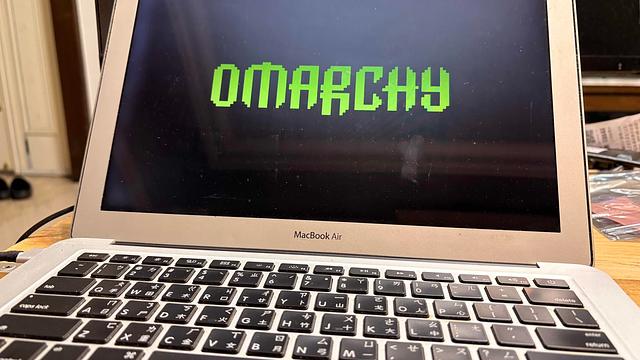
A 13-inch MacBook Air from Mid 2012, i5-3427U, HD Graphics 4000, 8 GB of RAM, a 1440x900 non-Retina screen. I put Omarchy 4.0.1 on it. The installer finished in 6 minutes and 0 seconds. After the reboot I got Hyprland 0.56.2, 957 packages, and 1.99 GiB of memory used while idle. This page is what actually happened during the install and how it feels to use, not a spec comparison. The short version is that the machine is now a real portable work machine. I record screencasts on it, I write Rails on it, and I run AI agents on it. I also used the Claude skill that ships with Omarchy to add the two, three, and four finger trackpad gestures and to wire up F1 to F12 for screen brightness, keyboard backlight, and volume. That part surprised me the most because those two things used to be the worst part of putting Linux on a Mac. There is also a side story. The Omarchy install menu has a Windows on Docker option. I clicked it without knowing what it was, it really installed a full Windows 11 through Docker, it took over an hour, and it did work, but the CPU went past 200 percent on a two core machine so I removed it. At the end I list the limits that come from the age of the hardware, such as the 1440x900 screen when the Omarchy defaults assume a high resolution display.

omarchy macbook-air macbook
57 views

Latest Slides

View all slides